
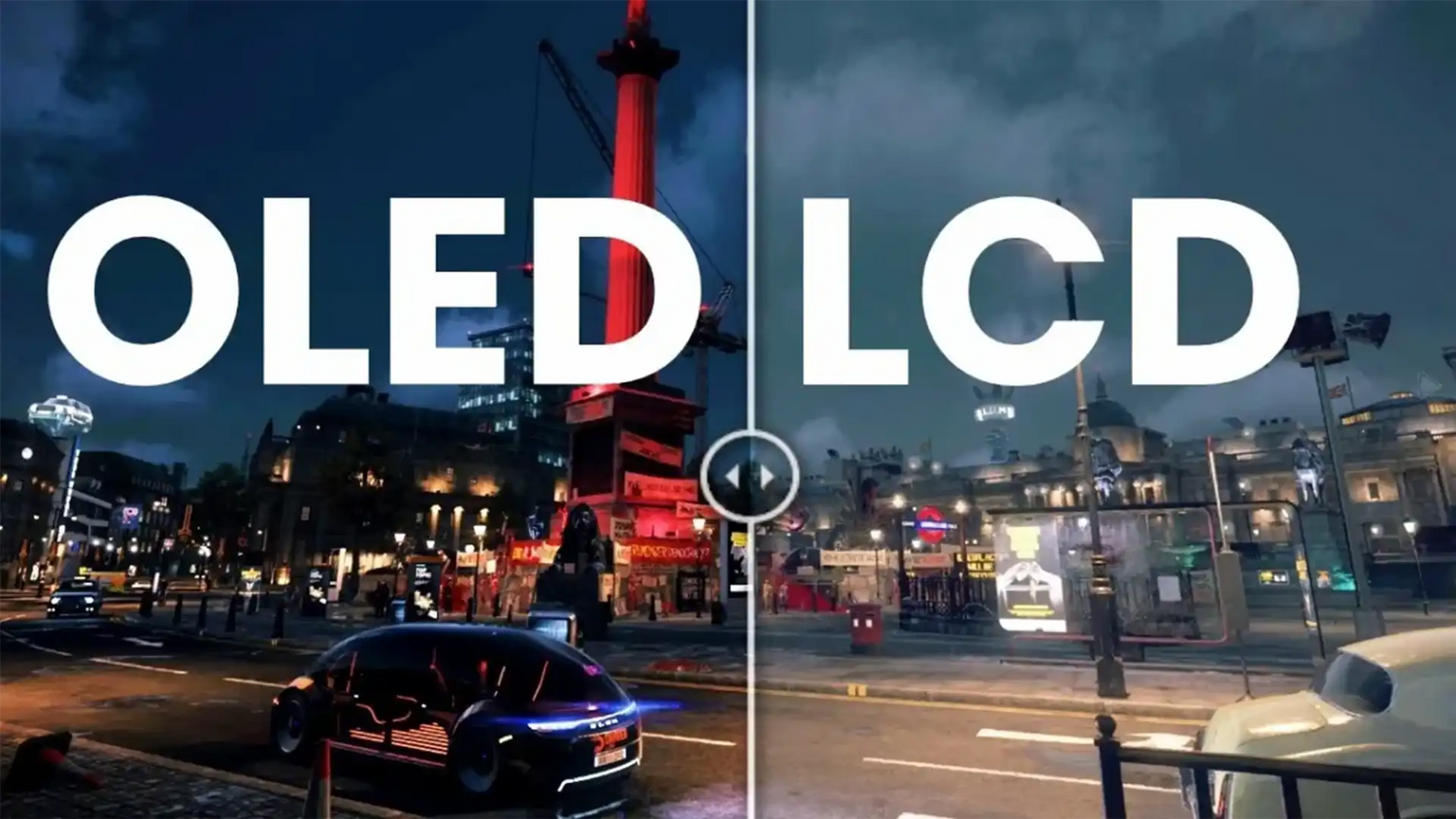
Today, the OLED screen has become ubiquitous in our daily lives. From flagship smartphones and high-end 4K televisions to smartwatches and cutting-edge laptops, OLED technology is reshaping our visual experience. But what exactly is an OLED screen? How does it fundamentally differ from traditional LCDs? And why is it becoming the gold standard for modern electronics?
In this comprehensive, long-form guide, we will dive deep into the hardcore engineering behind an OLED screen. We will explore its light-emitting principles, detail its core power supply design, provide a professional troubleshooting guide for Power IC failures, and answer the most frequently asked questions about OLED maintenance and lifespan.
1. What is an OLED Screen? Principles vs. LCD
OLED stands for Organic Light-Emitting Diode. An OLED screen is a revolutionary display technology whose most defining characteristic is its self-illuminating nature.
In a traditional LCD (Liquid Crystal Display), the pixels themselves do not emit light. They require a backlight module, usually made of white LEDs, positioned behind the pixel layer to illuminate the screen. Liquid crystals then twist and untwist to block or allow light to pass through color filters. This means that even when displaying black, the backlight is still on, leading to a grayish black appearance.
Conversely, the pixels in an OLED screen are made of advanced organic materials that emit light directly when an electric current is applied. Because it is self-illuminating, an OLED screen completely eliminates the need for a bulky backlight module. When an OLED screen needs to display black, it simply cuts the power to those specific pixels, resulting in true black and an effectively infinite contrast ratio.

2. The Evolution: OLED vs. AMOLED vs. POLED
As you shop for devices, you might see various acronyms related to OLED screens. Understanding these variations is crucial for making informed purchasing or engineering decisions.
- PMOLED (Passive-Matrix OLED): The early generation of OLED screens. They control each row of pixels sequentially. While cheaper to produce, they are restricted in resolution and size, and are mostly used in small displays such as fitness trackers or simple text screens.
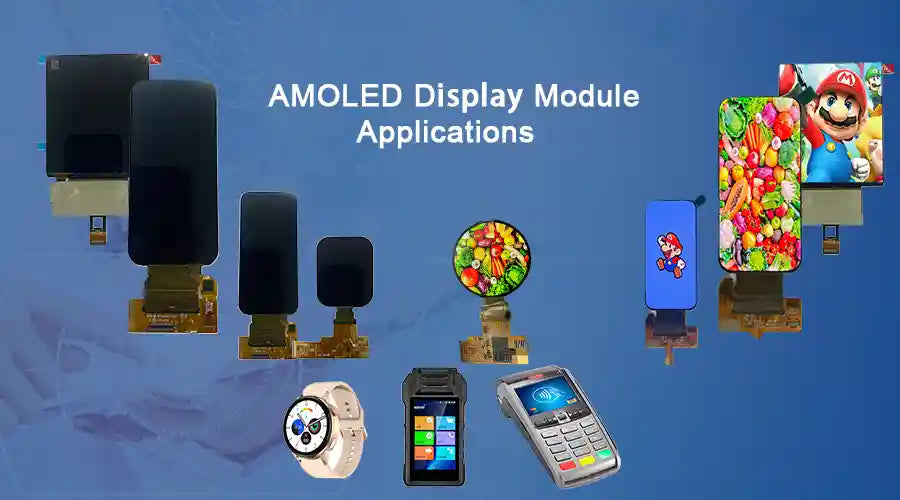
- AMOLED (Active-Matrix OLED): This is the standard for modern smartphones and TVs. It uses a Thin-Film Transistor backplane to actively control each individual pixel. This allows for higher resolutions, larger screen sizes, and faster refresh rates.
- POLED (Plastic OLED): Traditional OLED screens use glass substrates. POLED replaces the rigid glass with flexible plastic, such as polyethylene terephthalate or polyimide. This allows the OLED screen to be bent, folded, or curved, paving the way for foldable smartphones and curved automotive displays.
3. Core Advantages and Disadvantages of an OLED Screen
The Advantages
- Infinite Contrast Ratio: Because an OLED screen can turn off individual pixels completely, it achieves true black and extremely high contrast performance, which is especially valuable for HDR content.
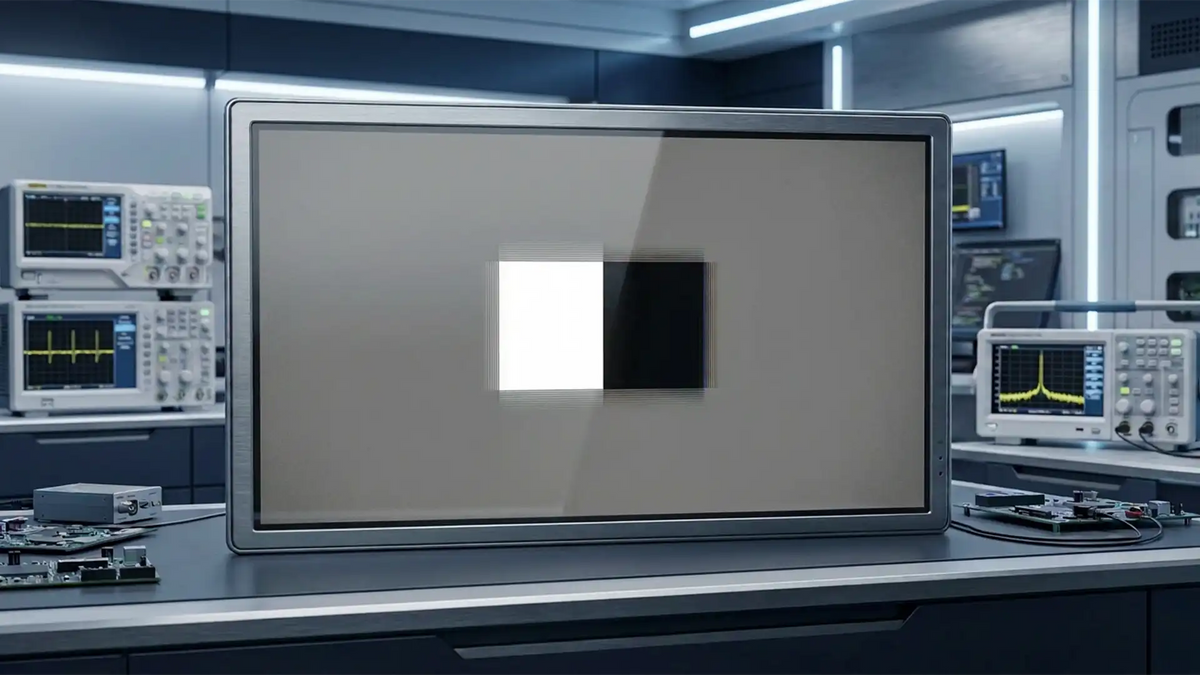
- Lightning-Fast Response Time: The response time of an OLED screen is nearly instantaneous, which makes it highly suitable for high-speed gaming and motion-heavy video.
- Ultra-Thin Design: Without a backlight layer, an OLED screen can be manufactured much thinner than traditional display structures.
- Wider Viewing Angles: An OLED screen maintains color accuracy and brightness more effectively at extreme viewing angles than many LCD panels.
- Energy Efficiency in Dark Modes: When displaying dark or black images, the pixels are turned off, which can reduce power consumption.
The Disadvantages
- Burn-in Risk: Displaying static, high-brightness images for prolonged periods can cause uneven pixel aging, known as burn-in or image retention. Modern OLED screens use mitigation technologies such as pixel shifting and dynamic refresh behavior.
- Lifespan of Blue Pixels: Organic materials degrade over time. Historically, blue sub-pixels have degraded faster than red or green ones, which can eventually affect color balance.
- Manufacturing Cost: The complex fabrication process makes OLED screens more expensive to produce than many conventional LCDs.
4. OLED Core Power Supply Design (AVDD, VCI, VDDIO, ELVSS, ELVDD)
To properly drive an OLED screen, a highly precise power supply architecture is required. While many screens integrate the Display Driver IC directly onto the FPC, the internal circuitry still relies on specific power rails provided by the mainboard.
Below is the detailed breakdown of the essential power supplies required for an OLED screen, translated directly from engineering specifications:
| Power Rail | Description and Function | Typical Voltage | Control Mechanism |
|---|---|---|---|
| AVDD | Analog Power. Powers the internal analog circuitry of the screen, including drive circuits and signal processing. | 5.6V to 7.9V | Generated via a Boost or Charge Pump architecture. Voltage is adjusted via the ASWIRE pin. |
| VCI | Analog Power. Powers the core logic circuitry of the OLED screen. | About 3.0V | Fixed output voltage. |
| VDDIO | Logic I/O Voltage. Powers interfaces, excluding MIPI, to ensure accurate data transmission. | Matches system I/O high level | Follows system logic levels. |
| ELVSS | Negative Power for Electroluminescence. Powers the pixel circuits. Adjusting this controls pixel brightness. | -1.4V to -5.4V, adjustable | Voltage changed via ESWIRE pin communication using pulse counting. |
| ELVDD | Positive Power for Electroluminescence. Provides the positive voltage required for pixels to emit light. | Fixed at 4.6V | Fixed output, non-adjustable. |

5. Power IC Application & Selection (SGM3851A Example)
Let us look at a typical OLED Power IC used in modern electronics: the SGM3851A. Once supplied with an input voltage, this IC generates the three critical power rails: ELVDD, AVDD, and ELVSS. The larger the OLED screen and the higher its resolution, the greater the current demand on these three rails.

Key Selection Criteria for Engineers
-
Control Interface: OLED ICs are typically driven via
I2CorSwire. Swire uses a single-wire pulse counting method to set different voltage levels dynamically, which can save PCB routing space. - Current Capacity (Iout_max): Always check the datasheet for maximum output current. If the IC cannot supply enough current, the OLED screen may flicker or black out under peak brightness.
- Inductor Selection (Lx_max): The inductor must handle the peak switching current without saturating. Calculating the maximum inductor current based on system parameters is essential for stable power delivery.
6. Troubleshooting: Power IC Drive Anomalies & Timing Analysis
A common issue in hardware development is an OLED screen failing to light up during the prototyping phase. Below is a real-world troubleshooting scenario based on engineering logs.
The Problem
The Power IC fails to drive the screen during normal boot. However, if the main controller is bypassed and the CTRL and EN_VO3 pins are pulled high directly via GPIO, the screen displays normally.
Analysis & Solution
By capturing the power-up sequence with an oscilloscope, engineers observed that AVDD ramps up after EN_VO3 is enabled. ELVSS and ELVDD are controlled by the number of pulses on the CTRL pin. If the enable pin is simply pulled high without sending pulses, the IC defaults to standard voltages, such as ELVSS at -2.5V, AVDD at 6.1V, and ELVDD at 4.6V.
Upon further hardware inspection, the root cause was found to be the TVS diode on the screen's power pin having an insufficient voltage rating. When the IC output its voltage, it exceeded the TVS breakdown threshold, shorting the power rail to ground and triggering the IC's internal short-circuit protection. Removing the TVS diode or lowering the default AVDD voltage below the TVS threshold resolved the issue completely.

7. Frequently Asked Questions (5 FAQs)
1. Can OLED screen burn-in be fixed?
Severe physical burn-in cannot be reversed. However, temporary image retention can often be improved. Most modern OLED TVs and monitors include built-in pixel refresher or panel calibration tools. To reduce the risk of permanent burn-in, avoid leaving static, high-contrast images on the screen at maximum brightness for long periods.
2. Why does my OLED screen flicker at low brightness?
Many OLED screens use PWM dimming, which rapidly turns the pixels on and off. At lower brightness levels, some users may become more sensitive to this flicker. Newer devices increasingly use DC dimming or higher-frequency PWM to improve visual comfort.
3. Why is ELVSS a negative voltage?
OLED pixels are light-emitting diodes. To control current precisely, a positive voltage is applied to the anode and a negative voltage is applied to the cathode. Adjusting ELVSS helps maintain a stable voltage differential across the diode for accurate grayscale and brightness control.
4. How long does an OLED screen last compared to an LCD?
Historically, OLED screens had shorter lifespans than LCDs due to the degradation of organic materials. However, modern OLED technology has improved significantly. Actual service life depends heavily on usage conditions, brightness levels, and panel design.
5. Is an OLED screen better for eye health?
In many cases, OLED screens can improve visual comfort because of their high contrast and ability to perform well at lower brightness levels. However, user experience also depends on PWM behavior, ambient lighting, and device-specific display tuning.


コメントを書く
このサイトはhCaptchaによって保護されており、hCaptchaプライバシーポリシーおよび利用規約が適用されます。