
Technical Guide
A practical guide to module selection, power behavior, lifetime strategy, integration, and smart home application fit
OLED displays are reshaping the smart home experience by enabling deeper blacks, thinner industrial design, and efficient ambient interfaces that align well with modern interior products. For product managers, hardware engineers, and sourcing teams, selecting the right OLED display requires more than comparing diagonal size and resolution. It requires understanding the interaction between luminance, average picture level, thermal conditions, duty cycle, burn-in risk, and system integration.
This guide explains how OLED display modules fit into smart home devices such as thermostats, voice hubs, security panels, smart mirrors, and connected appliances. It also outlines practical design considerations for procurement and product development.
Definition and Scope
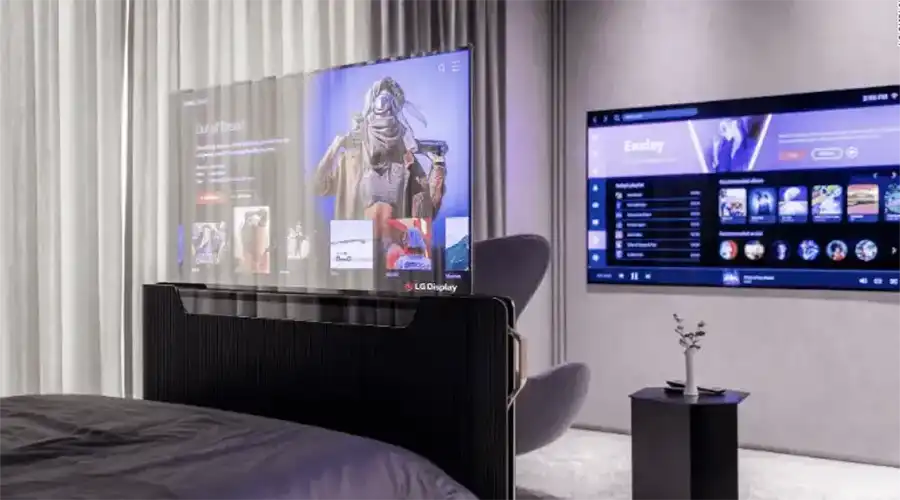
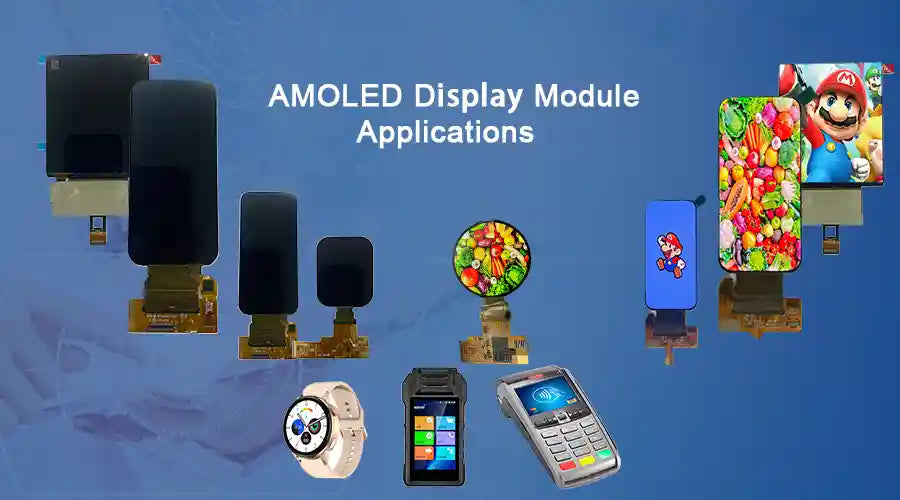
In this context, an OLED display for smart home devices refers to a packaged display module, often AMOLED-based, designed for embedded consumer electronics used in residential environments. These modules are commonly integrated into products such as thermostats, smart control panels, speakers with screens, kitchen appliances, bathroom mirrors, and wall-mounted dashboards.
Compared with large entertainment displays, smart home OLED modules typically prioritize compact mechanical integration, low-profile borders, touch compatibility, stable supply planning, and low average power in always-on or glance-based usage models.

How OLED Displays Work
Emissive Pixels and Active Matrix
OLED displays are emissive, which means each pixel produces its own light rather than relying on a separate backlight. Most smart home modules use active-matrix OLED architectures, where a TFT backplane controls each pixel individually. This enables clean graphics, wide viewing angles, high contrast, and responsive visual performance.
Subpixel Arrangements and Color Management
Different subpixel layouts can be used depending on the target balance between pixel density, lifetime, and rendering behavior. In practical products, software rendering, gamma management, and calibration workflows help maintain color consistency and readable white balance in the final interface.
Drive Modes and Dimming
OLED modules may use analog current control, PWM dimming, or a hybrid approach depending on brightness range and flicker targets. For smart home products, low-brightness behavior matters because displays often spend long periods in ambient or standby-like display states.
Advantages for Smart Home Devices
Superior Visual Quality and Perceived Value
True black rendering and strong contrast give OLED interfaces a premium appearance. For products intended to remain visible in kitchens, bedrooms, entryways, and living rooms, that premium look can increase perceived product quality.
Ultra-Thin and Flexible Form Factors
OLED modules support slim mechanical integration and, in some cases, curved or design-forward implementations. This makes them attractive for flush wall-mounted controllers, elegant appliance interfaces, and mirror-like display surfaces.
Energy Advantage for Ambient Interfaces
Because OLED only consumes light-generation power where pixels are lit, dark-themed interfaces can be relatively efficient. This is especially relevant for smart home products that display clocks, weather icons, notifications, or low-density status content for extended periods.
High Contrast Improves Glanceability
Smart home interfaces are frequently used at a glance rather than in prolonged sessions. High contrast and wide viewing angles make information easier to read from different positions in a room.
Fast Response and Strong Touch Feel
OLED displays pair well with responsive touch stacks and modern interface animation, helping smart appliances and control panels feel quicker and more refined in daily use.
Key Specifications to Evaluate
When comparing candidate modules, procurement and engineering teams should ask for measurable data rather than headline marketing claims. Important evaluation points include:
- Active area and mechanical drawing: cutout dimensions, bezel geometry, and mounting tolerance
- Resolution and pixel density: important for text legibility and icon sharpness
- Peak and sustained luminance: especially important near windows and reflective surfaces
- Color gamut and calibration tolerance: useful for premium UI consistency
- Viewing angle and contrast behavior: relevant for wall-mounted and shared-view products
- Operating and storage temperature: critical for kitchen, entryway, and bathroom deployments
- Touch structure and interface: touch stack affects thickness, optics, and integration
- Electrical interface: confirm display and touch communication protocols early
- Lifetime metric: request clearly defined T80 or T90 conditions
- Compliance data: align with regional EMC, safety, and environmental requirements
Power, Lifetime, and Burn-In
Power Modeling for Smart Home UI
OLED power use depends strongly on content. Dark interfaces with limited bright area can be efficient, while static white or high-average-luminance screens increase power and thermal load. For accurate planning, estimate usage based on real interface states instead of peak-brightness marketing numbers.
Lifetime Metrics and T80 or T90
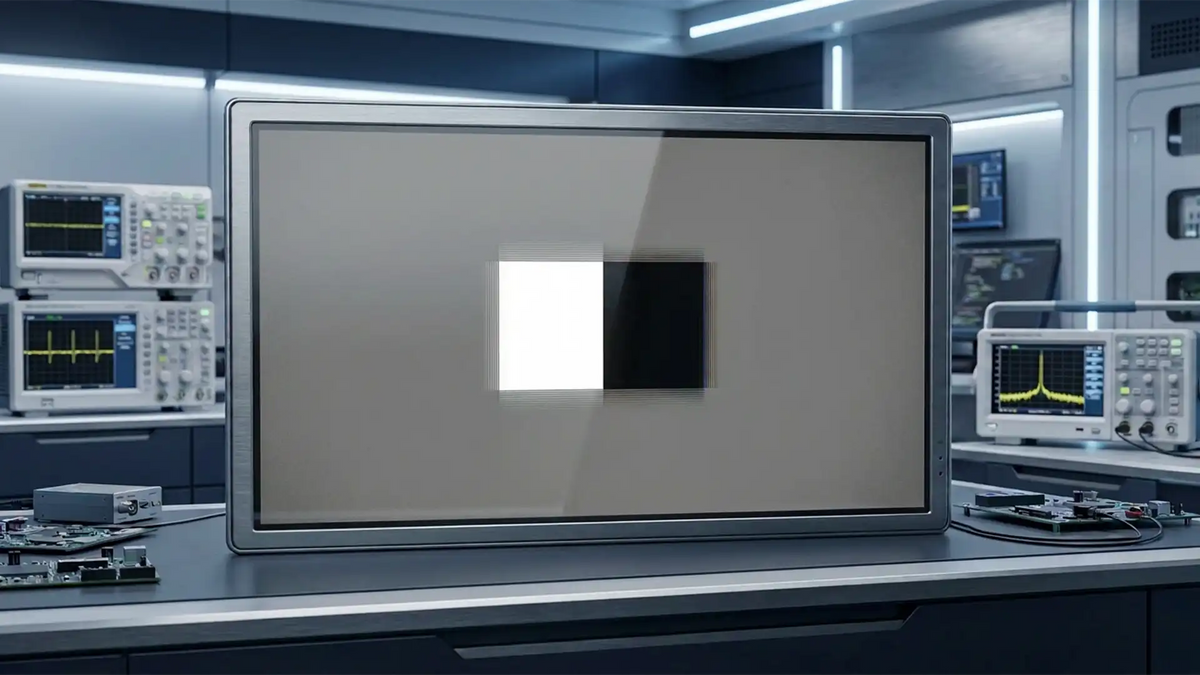
Suppliers often specify lifetime using T80 or T90 metrics, which describe the time required for luminance to decline to a percentage of its initial value under defined conditions. These numbers should always be reviewed together with the test brightness, average picture level, and ambient temperature.
Burn-In Risk and Mitigation
Static content can create differential aging over time. To reduce this risk in smart home products, use dark interface defaults, avoid permanently bright logos or bars, introduce pixel shifting, control thermal hotspots, and design firmware behavior that periodically changes persistent UI patterns.

Design and Integration Best Practices
Mechanical Integration and Thin-Profile Mounting
Mechanical design should account for bezel width, adhesive strategy, cutout precision, front-surface cleaning behavior, and long-term dimensional stability. In wall-mounted or mirror-based products, flush integration and optical bonding can improve both appearance and readability.
Thermal Design
Even if the display is used mostly in dark-interface mode, some operating states can still generate concentrated heat. It is important to validate heat spreading and local surface temperature in worst-case ambient conditions, especially near windows, ovens, or sealed enclosures.
Touch and Sensor Co-Design
Touch structure selection affects clarity, thickness, cost, and integration complexity. If the product also includes microphones, cameras, or proximity sensors, the optical and acoustic stack should be coordinated early in the system design phase.
UI and Firmware Strategy
Long-term OLED performance is improved when the software team and hardware team work together. Default dark themes, reduced static bright elements, sleep transitions, and updatable mitigation algorithms all contribute to longer visual consistency over the product lifetime.
Smart Home Use Cases
Smart Thermostat
OLED is a strong fit for thermostats because it offers excellent readability for schedules, graphs, and status icons in a compact wall-mounted format. It also supports a premium appearance in products that remain visible all day.
Voice Assistant Hub with Screen
Smart hubs need to balance always-on low-power status presentation with occasional rich interaction. OLED is well-suited to this mixed-use model when firmware manages idle-state luminance and static layout behavior carefully.
Smart Mirror and Bathroom Hub
OLED can be used behind reflective glass or integrated into premium mirror products where visual subtlety is important. In these environments, humidity control, sealing, and surface treatment become especially important.
Security Panel and Camera Dashboard
Security panels benefit from high contrast and responsive touch behavior, but they also present a greater risk of static UI persistence. This makes layout rotation, icon dimming, and careful video display management more important.

OLED vs Alternatives
| Metric | OLED | High-End LCD or QD-LED | MicroLED |
|---|---|---|---|
| Contrast and blacks | Excellent | Improved but limited by backlight behavior | Excellent |
| Full-screen brightness | Moderate | High | Very high |
| Dark UI power behavior | Strong advantage | Less efficient due to backlight dependence | Potentially strong depending on architecture |
| Thin or flexible integration | Excellent | More limited | More limited in many current implementations |
| Burn-in risk | Requires mitigation | Low | Minimal |
| Cost | Competitive in premium consumer segments | Often lower for basic modules | Higher |
Testing and Certification Considerations
Consumer smart home products must be evaluated not only for display quality, but also for safety, EMC performance, environmental tolerance, and durability. This is especially important in kitchens, bathrooms, and entryway installations where humidity, cleaning, and thermal variation are more demanding.
Useful vendor documentation may include operational life data, moisture testing, EMC reports, touch durability results, and environmental validation aligned with target market requirements.
FAQ
Are OLED displays suitable for always-on smart home widgets?
Yes, provided the interface is designed carefully. Dark themes, pixel shifting, controlled duty cycles, and appropriate lifetime planning all help reduce long-term aging concerns.
How much power can be saved by using OLED?
The answer depends on the interface brightness profile. For predominantly dark user interfaces, OLED can reduce display subsystem power significantly compared with backlit alternatives.
What about sunlight readability near windows?
Use higher luminance modules, control reflectance with optical treatments, and evaluate real installation angles. In very bright or direct-sun environments, other display technologies may sometimes be more suitable.
How should lifetime be specified for procurement?
Request T80 or T90 data at clearly defined average picture level, luminance, and ambient temperature conditions, and align those conditions with the actual product usage model.
Can OLED replace an existing LCD in a legacy product?
Sometimes yes, but the change often affects mechanics, connectors, touch stack, power behavior, and firmware assumptions. A feasibility prototype is strongly recommended before committing to redesign.
Selection Checklist and Next Steps
Use the following checklist when preparing a technical evaluation or RFQ:
- Specify exact mechanical dimensions, touch structure, and connector definition
- Define expected UI behavior, average picture level, peak brightness requirement, and hours per day
- Request lifetime data that matches actual operating conditions
- Ask for calibration reports and tolerance data if color consistency matters
- Confirm available mitigation functions for burn-in-sensitive usage
- Review safety, EMC, and environmental reports for target regions
- Run engineering samples in real use conditions before volume commitment
Share target size, expected UI content, operating temperature, and annual volume to build a more accurate shortlist for sampling and integration.

コメントを書く
このサイトはhCaptchaによって保護されており、hCaptchaプライバシーポリシーおよび利用規約が適用されます。