
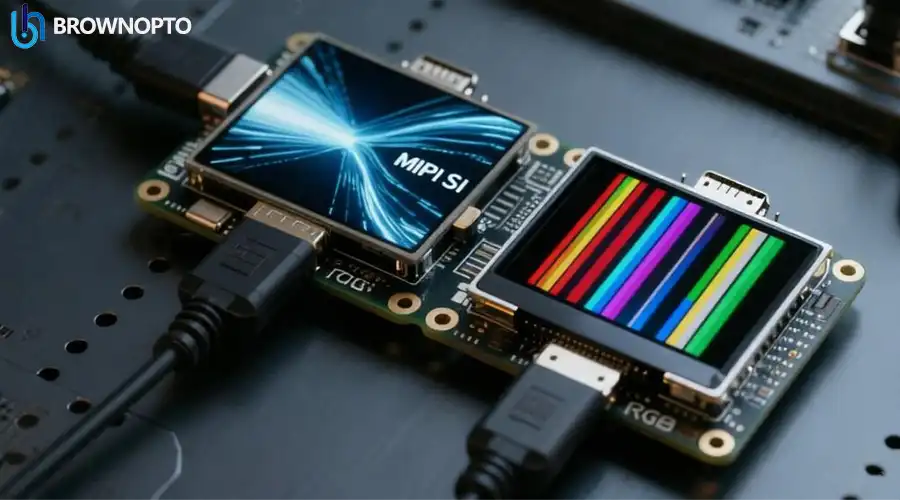
Organic Light-Emitting Diode (OLED) technology has revolutionized the display industry, offering unparalleled contrast ratios and vibrant colors. However, questions regarding the longevity of these panels remain a primary concern for consumers. This guide explores the technical aspects of OLED degradation, commonly known as "burn-in," and provides actionable advice to maximize the lifespan of your device.
Introduction to OLED Technology
Unlike traditional LCDs that rely on a backlight, OLED panels consist of organic compounds that emit light when an electric current is applied. This fundamental difference allows for true blacks, as individual pixels can be turned off completely. While this offers superior picture quality, the organic nature of the materials introduces specific aging characteristics.
Why OLED Lifespan Matters
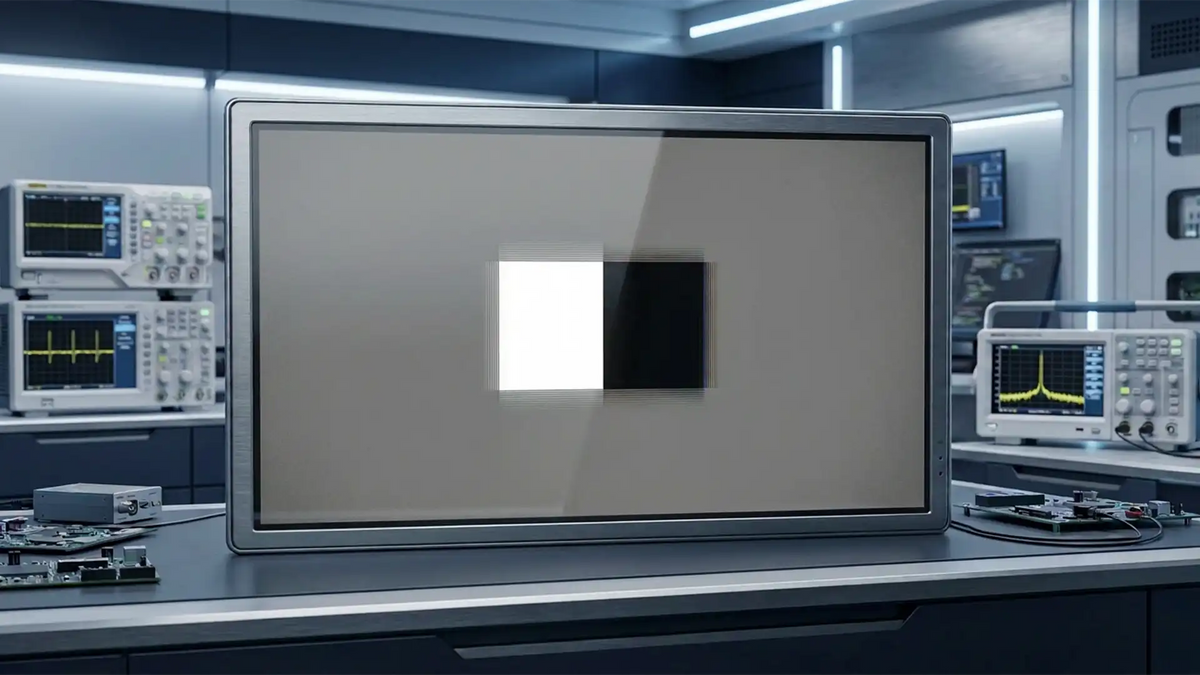
When investing in high-end televisions or monitors, longevity is a key factor. OLED lifespan is typically defined by the point at which the screen reaches 50% of its initial brightness. Modern panels are rated for tens of thousands of hours, but uneven aging—where certain pixels degrade faster than others—leads to image retention or burn-in.
Key Factors Affecting Longevity
Several variables contribute to the rate at which an OLED panel degrades. Understanding these can help users mitigate risks.
Blue Subpixel Degradation
The organic materials used for blue subpixels have historically been less stable and efficient than their red and green counterparts. This imbalance means blue pixels must work harder to produce the same luminance, leading to faster degradation and potential color shifting over time.
Heat and Brightness Levels
Heat is the enemy of organic compounds. High ambient temperatures combined with high screen brightness accelerate the chemical reactions that cause degradation. Therefore, running a panel at 100% brightness in a hot room will significantly shorten its lifespan compared to moderate usage.
Technological Solutions
Manufacturers have developed several technologies to combat these issues. The table below outlines the most effective methods currently in use.
| Technology | Mechanism | Impact on Longevity |
|---|---|---|
| Deuterium-Based Stabilization | Replacing Hydrogen with Deuterium in the blue organic compounds creates stronger chemical bonds. | Significantly extends the lifespan of the fragile blue subpixels. |
| Dedicated Heatsinks | Physical metal plates or graphene layers bonded to the back of the panel to dissipate heat. | Keeps the organic materials cool, slowing down the degradation process. |
| Pixel Shifting | Micro-movements of the image position every few minutes. | Prevents static elements (like logos) from wearing out the same pixels repeatedly. |
Comparison: OLED vs. QD-OLED
Quantum Dot OLED (QD-OLED) is a hybrid technology that uses blue OLED light sources combined with quantum dots to produce red and green light. This architecture eliminates the need for unstable red and green organic materials, theoretically offering better brightness and longevity compared to standard WOLED panels.
Practical Maintenance Tips
To ensure your display lasts for years, consider the following best practices:
- Lower the Brightness: Keep the OLED light setting below 80% for general viewing.
- Use Screensavers: Enable a screensaver or turn off the display when not in use.
- Hide Static Elements: Use "auto-hide" features for taskbars and menus on PC monitors.
- Vary Your Content: Avoid watching content with static logos or HUDs for extended periods without a break.
Frequently Asked Questions
Policies vary by manufacturer. Some premium brands now offer warranties that specifically cover burn-in for a limited period (e.g., 2-3 years), while others classify it as "image retention" and may not cover it. Always check the specific terms of your display's warranty.
Permanent burn-in is generally irreversible. However, many modern TVs have "pixel refresh" or "panel refresh" cycles that can mitigate minor image retention if caught early. Severe burn-in usually requires panel replacement.

Hinterlasse einen Kommentar
Diese Website ist durch hCaptcha geschützt und es gelten die allgemeinen Geschäftsbedingungen und Datenschutzbestimmungen von hCaptcha.