
Technical Guide
In-depth technical analysis, buying guidance, application scenarios, and calibration considerations for modern OLED 4K displays
Overview: What is an OLED 4K Display?
An OLED 4K display combines self-emissive Organic Light-Emitting Diode technology with 4K resolution at 3840×2160. This combination delivers high pixel density, true black reproduction, strong contrast, excellent color performance, and very fast pixel response.
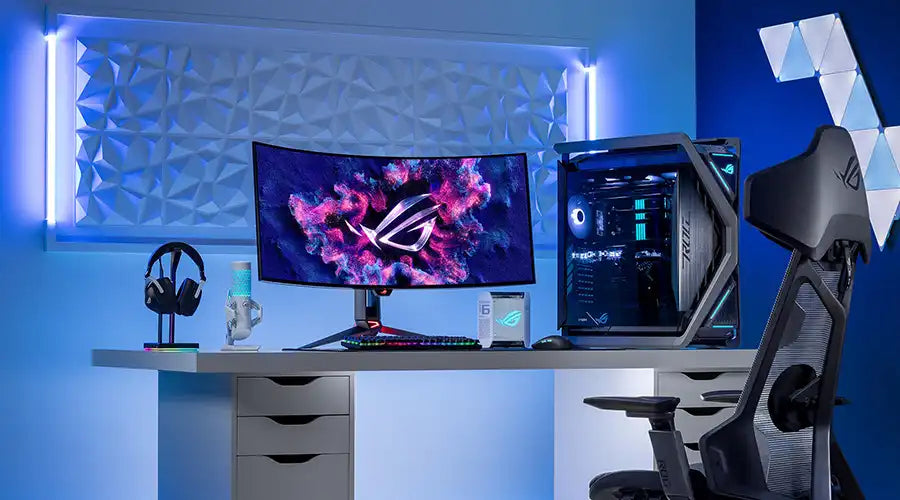
In practice, OLED 4K displays are used across premium consumer entertainment and professional visual applications, including televisions, creator monitors, advanced laptops, simulation, and other high-value image systems. Their appeal comes from combining fine detail with strong contrast and fast response in a single display platform.

How OLED 4K Displays Work
OLED panels generate light directly at the pixel level through organic emissive materials placed between electrodes. When voltage is applied, electrons and holes recombine in the emissive layer and produce light. Because each subpixel is independently driven, OLED does not require a separate backlight.
For 4K resolution, the backplane must support high-density routing and stable pixel addressing. This is commonly achieved with LTPS or advanced oxide TFT technologies. Combined with encapsulation and control electronics, this architecture enables high-resolution imaging with pixel-level light control.
- Emissive stack: organic layers that generate light
- TFT backplane: drives each pixel accurately at high density
- Encapsulation: protects sensitive materials from moisture and oxygen
- Driving electronics: manage timing, current, and power behavior

Resolution and Pixel Density — 4K on Different Screen Sizes
4K resolution contains about 8.3 million pixels. The perceived sharpness of a 4K OLED display depends strongly on screen size and viewing distance, especially in desktop use where text clarity matters.
| Screen Size | Resolution | Pixels Per Inch | Typical Use Case |
|---|---|---|---|
| 27 inch | 3840×2160 | 163 PPI | High-end creator and productivity monitors |
| 32 inch | 3840×2160 | 138 PPI | Editing, CAD, design, larger desk setups |
| 48–55 inch | 3840×2160 | About 90–92 PPI | Premium TV and large-format desktop crossover use |
| 65 inch | 3840×2160 | About 67 PPI | Home theater and console-focused viewing |
For desktop computing, 27-inch and 32-inch 4K OLED displays often provide the most balanced mix of sharp text and usable workspace. Larger screens become more dependent on increased viewing distance.
HDR, Color Gamut, and Professional Calibration
OLED 4K displays are especially effective in HDR because very deep black levels improve local contrast perception and highlight separation. Combined with high resolution, this can create strong perceived realism in both media and professional image review.
Color Gamut and Volume
Modern OLED 4K panels can deliver wide color performance suitable for premium media and content creation. Strong color volume helps preserve saturation across different brightness levels, which is valuable in HDR and color-managed workflows.
Calibration and Profiling
For color-critical use, hardware calibration and profiling with a colorimeter are recommended. Look for 10-bit processing, LUT support, factory calibration, and a workflow that matches the intended color space and white point target.

Performance Metrics — Refresh Rate, Brightness, and Input Lag
Performance evaluation should include refresh rate, response time, input latency, HDR brightness behavior, and sustained full-scene performance rather than short peak specifications alone.
Refresh Rate and Response
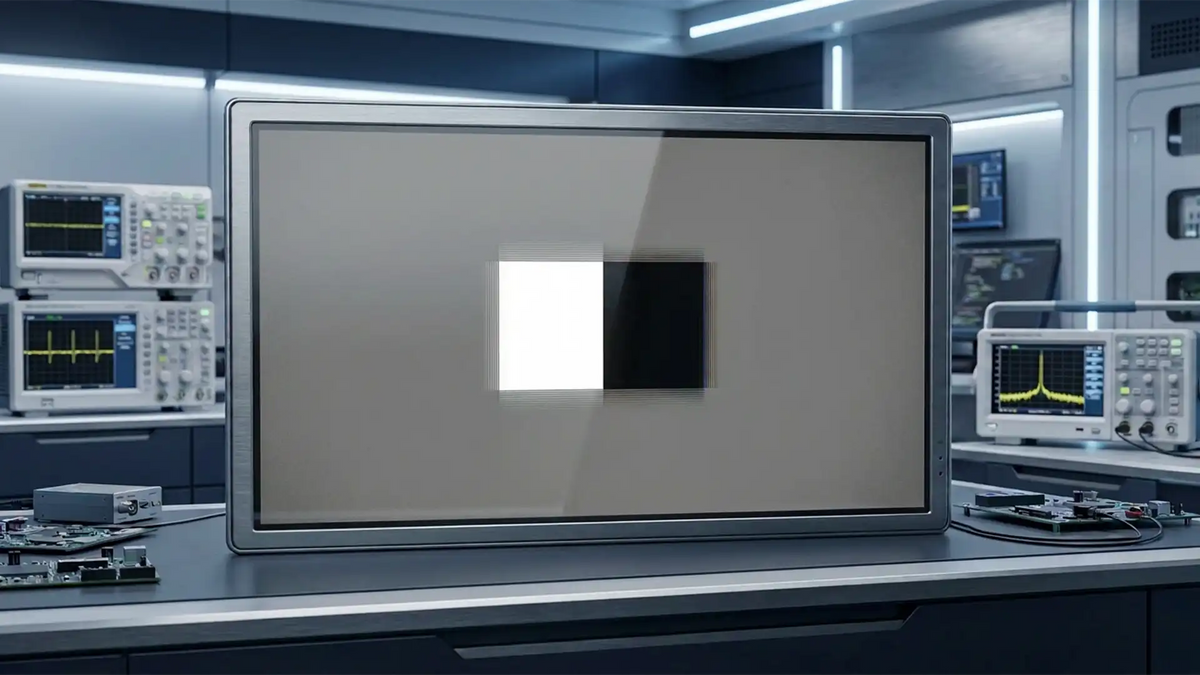
OLED has very fast pixel response, which reduces motion blur and improves clarity in fast-moving scenes. High-refresh OLED 4K products are especially attractive for gaming and other latency-sensitive uses.
Brightness and HDR Peak
OLED brightness performance depends on panel structure, emitter efficiency, thermal design, and automatic brightness behavior. Peak highlight performance and sustained average picture level should both be considered when evaluating HDR quality.
Input Lag and Video Processing
Input lag can often be reduced significantly through low-latency or game-oriented display modes. This matters for gaming, simulation, and any application where input responsiveness is important.
Manufacturing, Materials, and Durability
4K OLED production requires precise patterning, high-quality backplanes, robust encapsulation, and defect control. Different supply chains and manufacturing methods exist for large TV panels versus smaller monitor and laptop panels.
Tandem OLED and Lifespan
Tandem OLED structures use multiple emissive layers to distribute the electrical load more efficiently. This can improve lifetime behavior and support higher brightness or lower stress operation, especially in demanding use cases.
Encapsulation and Environmental Protection
Because OLED materials are sensitive to oxygen and moisture, encapsulation quality is critical. Depending on product type, this may involve thin-film encapsulation, glass-lid solutions, and edge sealing designed to improve long-term stability.

Burn-in Risk and Mitigation Strategies
Burn-in, or permanent image retention caused by uneven pixel aging, remains one of the main considerations in OLED product selection, especially in static-interface use cases. However, engineering improvements and software controls have reduced practical risk substantially in many real-world scenarios.
- Pixel shifting: moves the image slightly over time
- Brightness limiting: reduces stress from static bright elements
- Improved emitter systems: help extend useful panel life
- Usage strategy: dark themes, hidden taskbars, and screen savers reduce static load
- Panel refresh tools: help compensate for differential aging

OLED 4K vs LCD, Mini-LED, and MicroLED — Trade-offs
The best display technology depends on application priorities such as contrast, brightness, lifetime, cost, and static-content tolerance.
| Metric | OLED 4K | Mini-LED or FALD LCD | MicroLED |
|---|---|---|---|
| Black level | Excellent | Strong but zone-limited | Excellent |
| Peak brightness | Strong | Very strong | Extremely strong |
| HDR precision | Excellent | Very strong depending on dimming zones | Excellent |
| Motion response | Excellent | Good | Excellent |
| Static-content tolerance | Moderate | High | Very high |
Applications — Where OLED 4K Displays Shine
Premium Consumer TVs and Home Theaters
OLED 4K televisions are well suited to movie viewing, high-end streaming, and console gaming because of strong contrast, fast response, and immersive HDR presentation.
Professional Monitors for Creative Work
Creator-focused OLED 4K monitors support image editing, grading, and other visual tasks where black-level control, wide color, and calibration matter.
High-End Gaming and Esports Displays
Gaming-oriented OLED 4K displays benefit from low latency, high refresh support, and reduced motion blur, especially in fast-action content.
Medical Imaging and Diagnostics
Where qualified and properly calibrated, OLED 4K displays can support professional visual review scenarios that benefit from fine detail and contrast precision.
Pro AV, Simulation, and Flight Systems
Simulation and immersive visual environments can benefit from OLED 4K because of fast response and strong scene contrast, particularly where realism and low-latency image updates matter.

Buying Guide — Choosing the Right OLED 4K Display
Select the display based on actual use pattern, room conditions, content type, connectivity needs, and tolerance for static interface behavior.
1. Screen Size and Viewing Distance
Smaller 4K OLED displays suit desktop and close-view work, while larger models suit home theater and console-focused environments with longer viewing distance.
2. Brightness and HDR Needs
If the display will be used in brighter rooms or for highlight-driven HDR content, compare sustained brightness behavior and optical surface treatment carefully.
3. Burn-in Sensitive Use Cases
For heavily static interfaces, consider mitigation strategy early. If the UI cannot be varied, alternatives such as high-end LCD may still be more appropriate in some cases.
4. Connectivity and Ergonomics
Check that the display supports the needed bandwidth, port types, mounting compatibility, stand adjustment, and system integration needs.
5. Warranty and Manufacturer Support
Review panel-related warranty terms, service clarity, firmware support, and long-term supplier reputation before final selection.
Installation, Calibration, and Picture Tuning
Proper setup can improve performance, reduce stress, and support more consistent image quality over time.
- Use varied content during early usage rather than long static patterns
- Calibrate with a hardware measurement device where color accuracy matters
- Configure HDR and low-latency modes appropriately for the content source
- Control ambient reflections through placement and room lighting
- Use the correct white point, gamma target, and content profile for the workflow
Maintenance, Firmware Updates, and Lifecycle
Routine firmware updates can improve power behavior, compensation cycles, and compatibility. Good operating habits also help extend perceived panel quality over time.
- Enable built-in protection features such as dimming and pixel shift
- Reduce unnecessary prolonged bright static content
- Maintain airflow and avoid thermal stress
- Follow usage guidance appropriate to the display category
Future Trends: QD-OLED, Tandem OLED, and MicroLED
Future display development is focused on brighter HDR, longer life, better efficiency, improved color volume, and broader availability across more product categories.
- QD-OLED: improves color and highlight performance
- Tandem OLED: targets better lifetime and lower stress operation
- MicroLED: offers long-term potential in brightness and durability
- Manufacturing advances: aim to improve yield and reduce cost
FAQ — OLED 4K Display
Is a 4K OLED better than a 4K LCD for movies and gaming?
For many users, OLED provides stronger contrast, deeper blacks, and faster response. In very bright environments or where sustained brightness is the priority, high-end LCD can still be a strong alternative.
Will OLED 4K suffer from burn-in?
Burn-in risk exists, but current mitigation systems and sensible usage patterns reduce the likelihood substantially for many normal use cases.
What size 4K OLED is best for desktop work?
Many users find 27-inch to 32-inch 4K OLED displays to be the most practical range for desktop work because they balance sharpness and workspace well.
How do I calibrate an OLED 4K display?
Use a reliable colorimeter and calibration workflow matched to your target color space, white point, and gamma requirements. Hardware LUT support is helpful where available.
Is QD-OLED worth the premium?
If HDR brightness and color performance are top priorities, QD-OLED can be worth the premium. Standard OLED still offers very strong overall image quality.
How long do OLED 4K displays last?
Useful life depends on brightness level, content pattern, thermal conditions, and panel design. Real lifetime should always be evaluated in the intended application context.

댓글 남기기
이 사이트는 hCaptcha에 의해 보호되며, hCaptcha의 개인 정보 보호 정책 과 서비스 약관 이 적용됩니다.